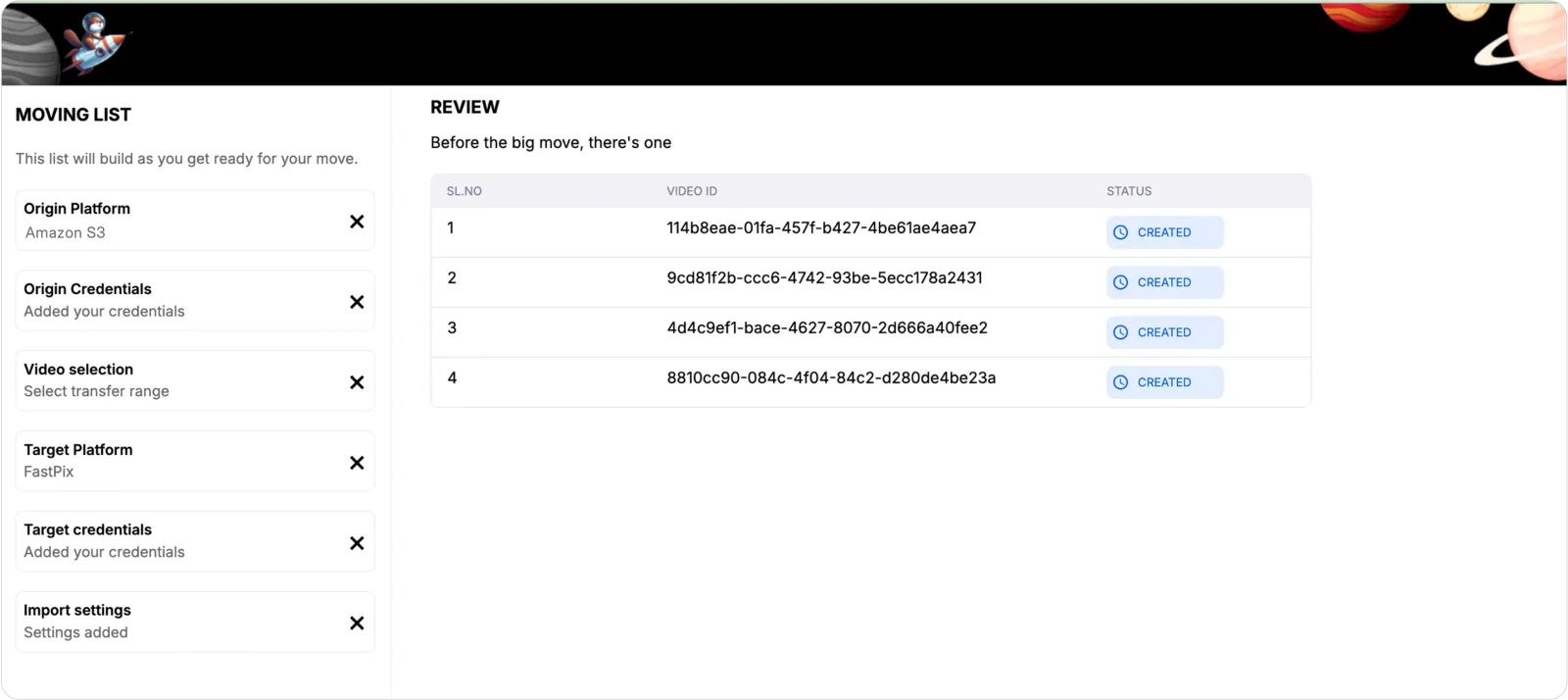
Migrate from AWS to FastPix
This guide provides a detailed walkthrough for generating an Access Key and Secret key from AWS, both of which are essential requirements for successfully migrating videos from Amazon S3 to FastPix.
Evaluating FastPix against AWS? See the FastPix vs AWS comparison for a side-by-side look at features and pricing.
Prerequisites
- AWS Account with administrator access
- Existing S3 bucket containing videos
Obtaining AWS credentials
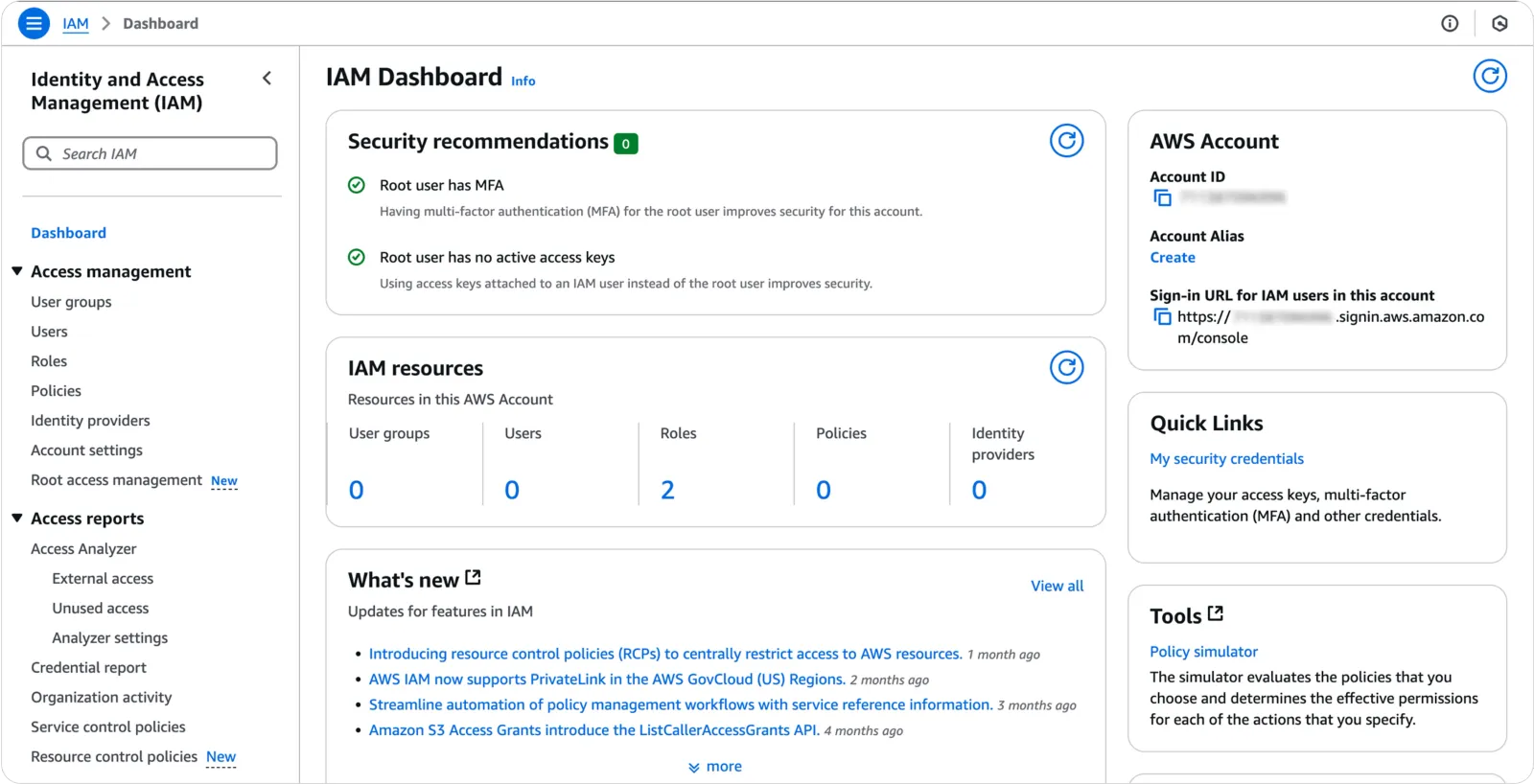
- Open the IAM dashboard in AWS.
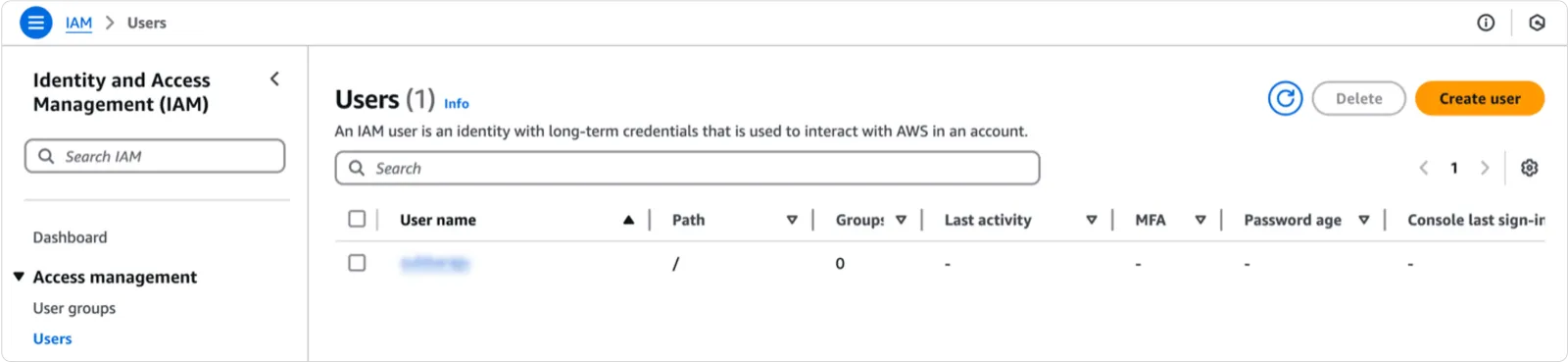
- On the left navigation menu, choose Users and click on your user name (not the check box).
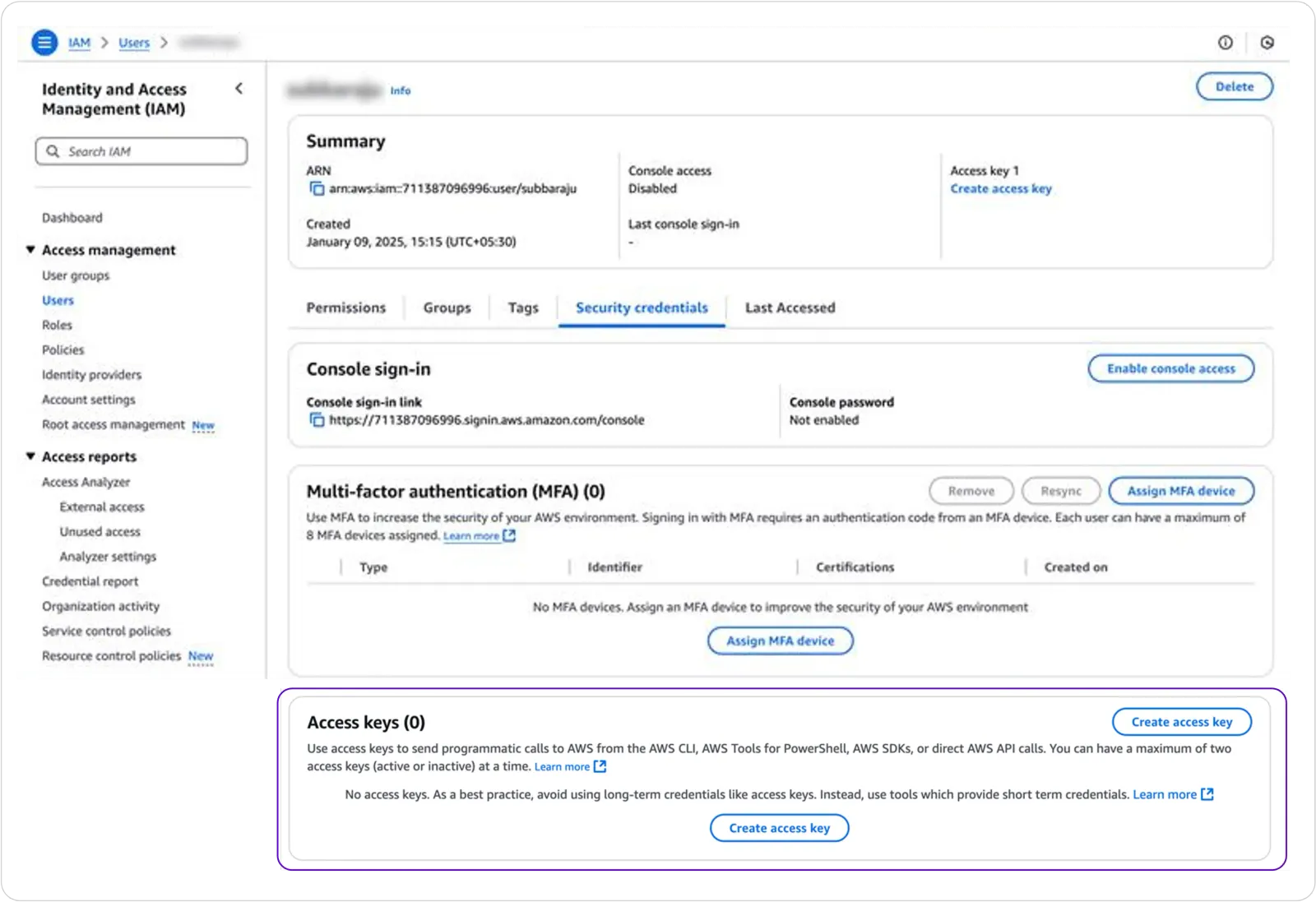
- Open the Security credentials tab, scroll down and then click on Create access key.
- Choose Command line interface and click on Next.

- Click on create access key (write a description tag optional)
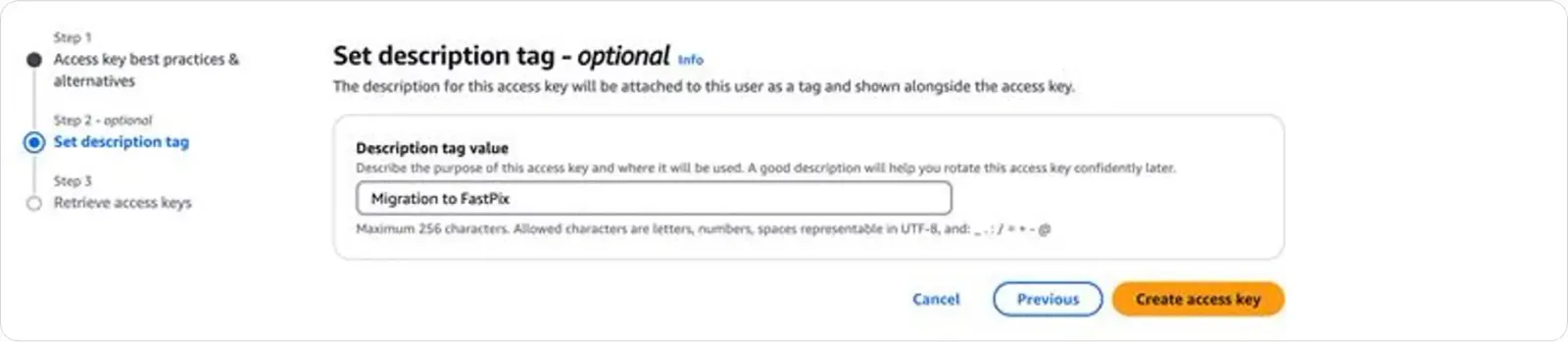
- To see the new access key, click on Show. Your credentials would resemble the following:
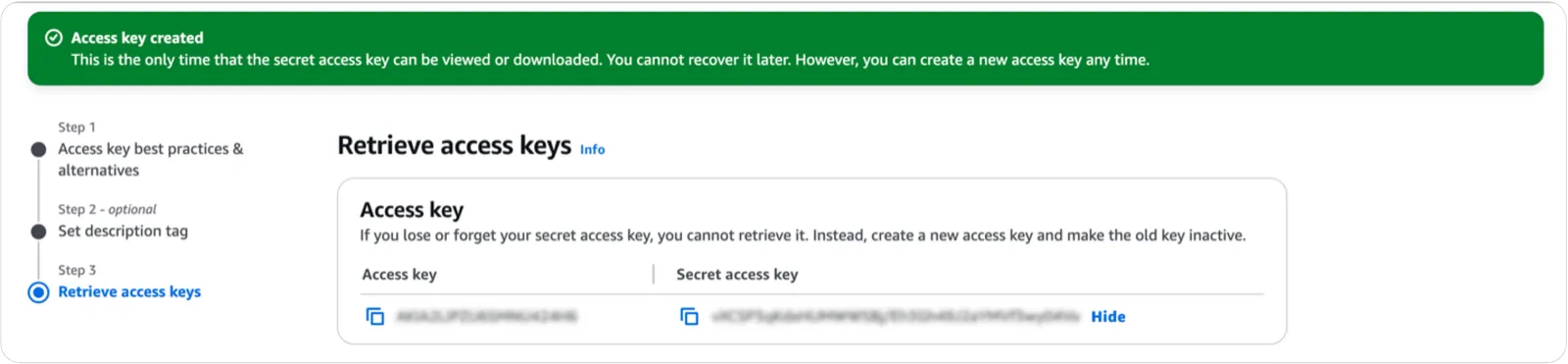
Now that you have the Access Key ID and Secret Access Key from AWS S3, you can proceed to the next part of the process below.
Importing videos to FastPix from S3
-
Access our migration tool by cloning the GitHub repo and run it locally.
-
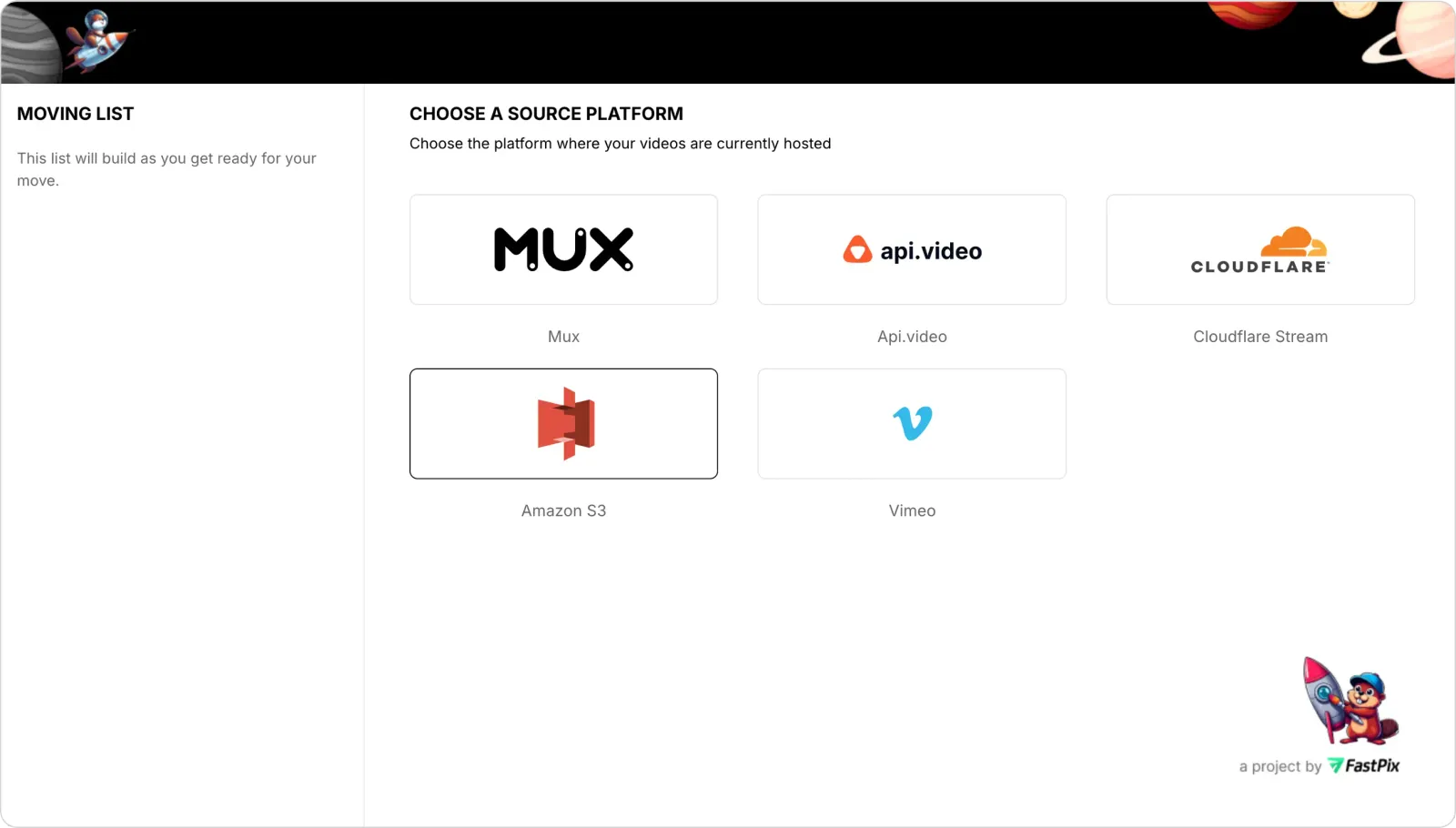
Source platform selection: Choose Amazon S3 as your source platform.
-
Source credentials validation
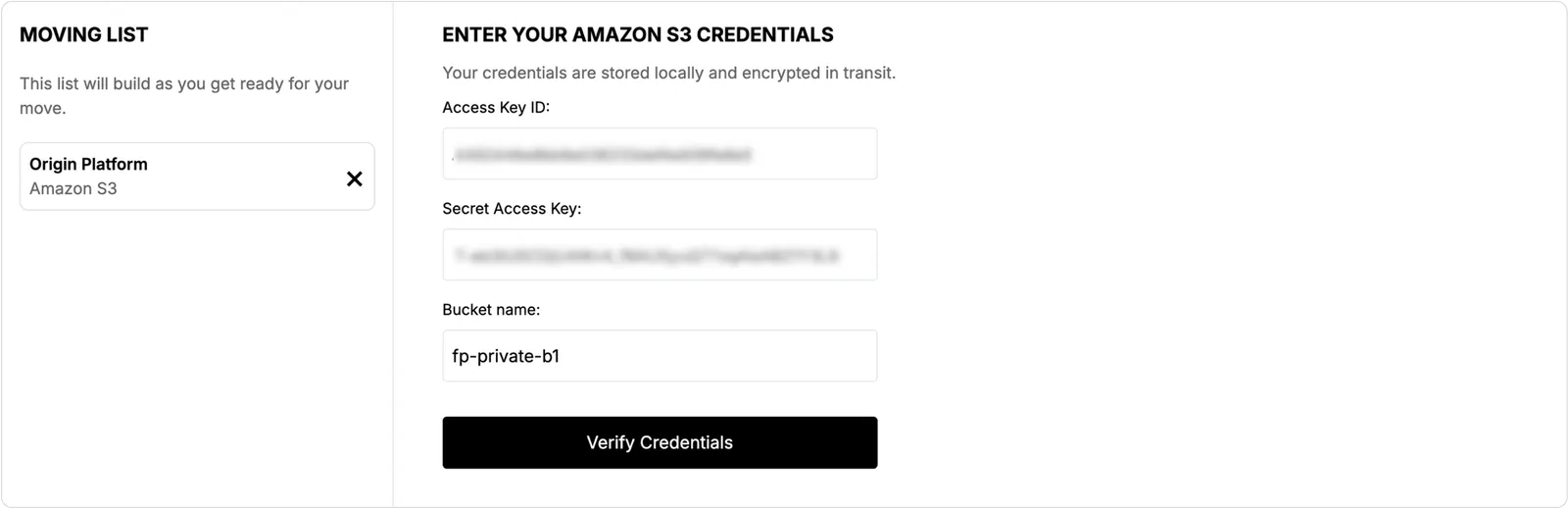
- Enter your AWS credentials from step 5 and 6 above.
- Click “Verify Credentials”
- Wait for validation confirmation
-
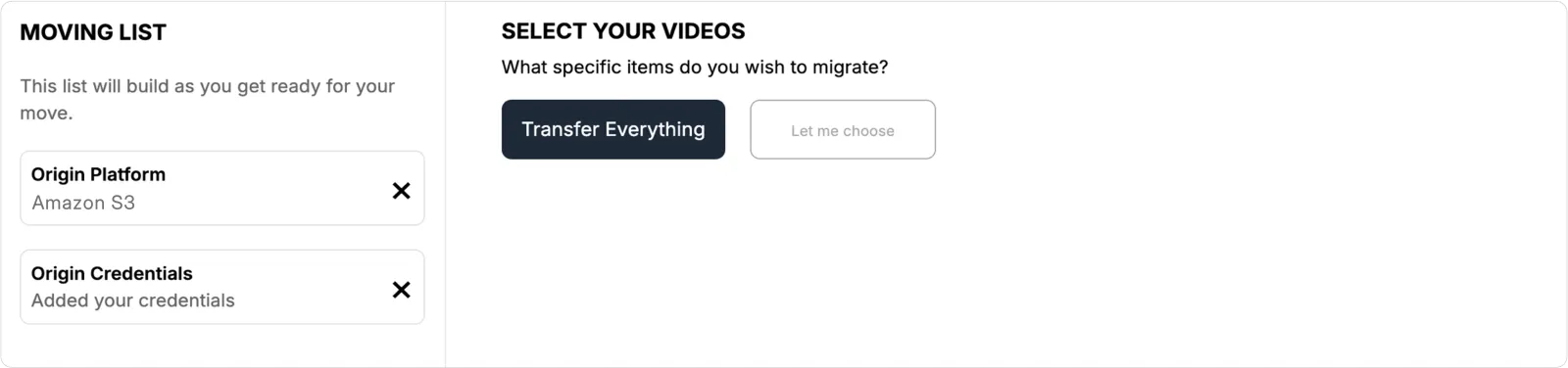
Video selection for import
- On the “Select your videos” page
- Choose “Transfer Everything” option to migrate all videos
-
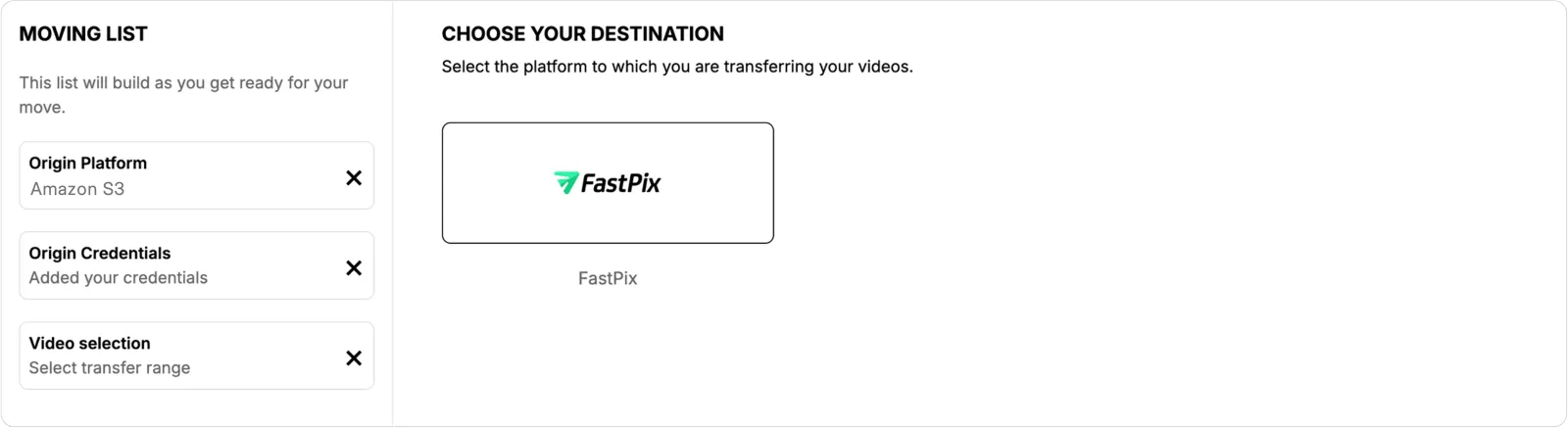
Destination platform selection
- Select FastPix as your destination platform
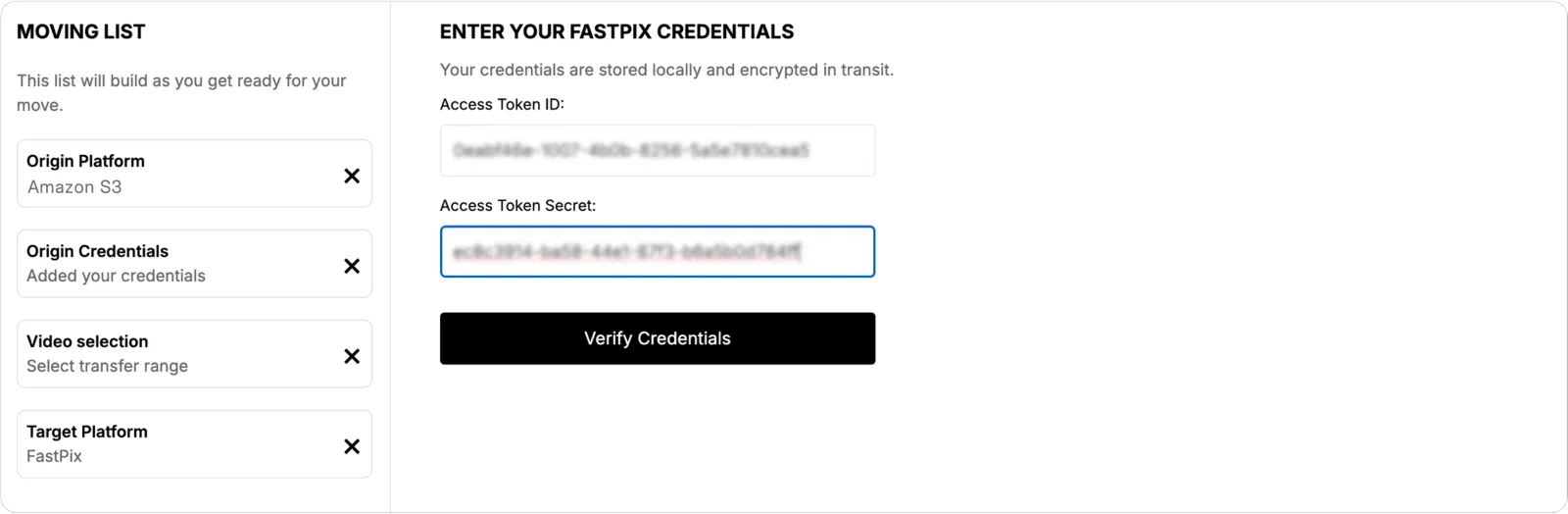
- Destination credentials validation
- Enter your FastPix account credentials
- Click “Verify Credentials”
- Wait for validation confirmation
-
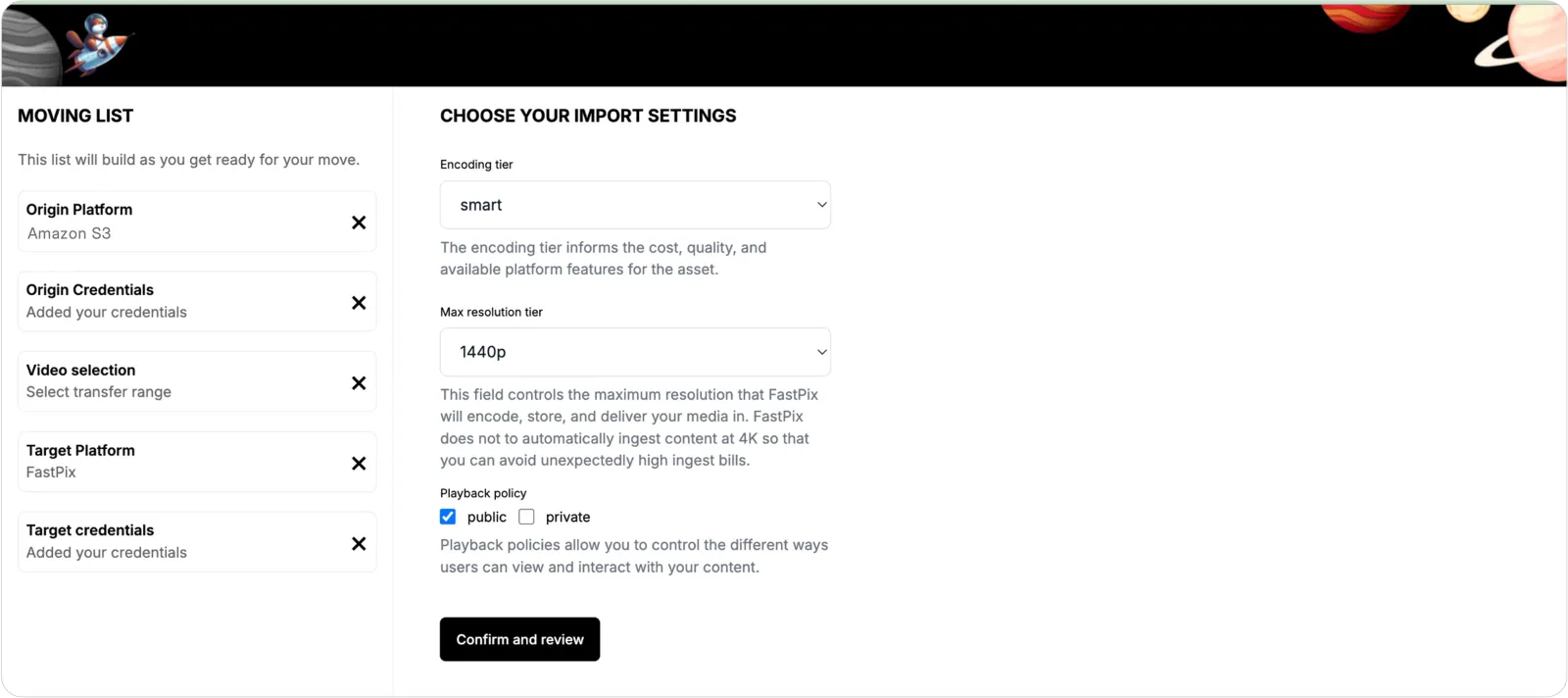
Import settings configuration
Configure the following video encoding settings:
- Encoding tier
- Maximum resolution tier
- Playback policy
- Click “Confirm and Review” to proceed
-
Review and start
- Review all selected settings and configurations
- Click “Start Job” to begin the migration process
-
Migration tracking
- Monitor the migration progress on the video tracking page
- Wait for the list of migrated videos to appear on the tracking page.