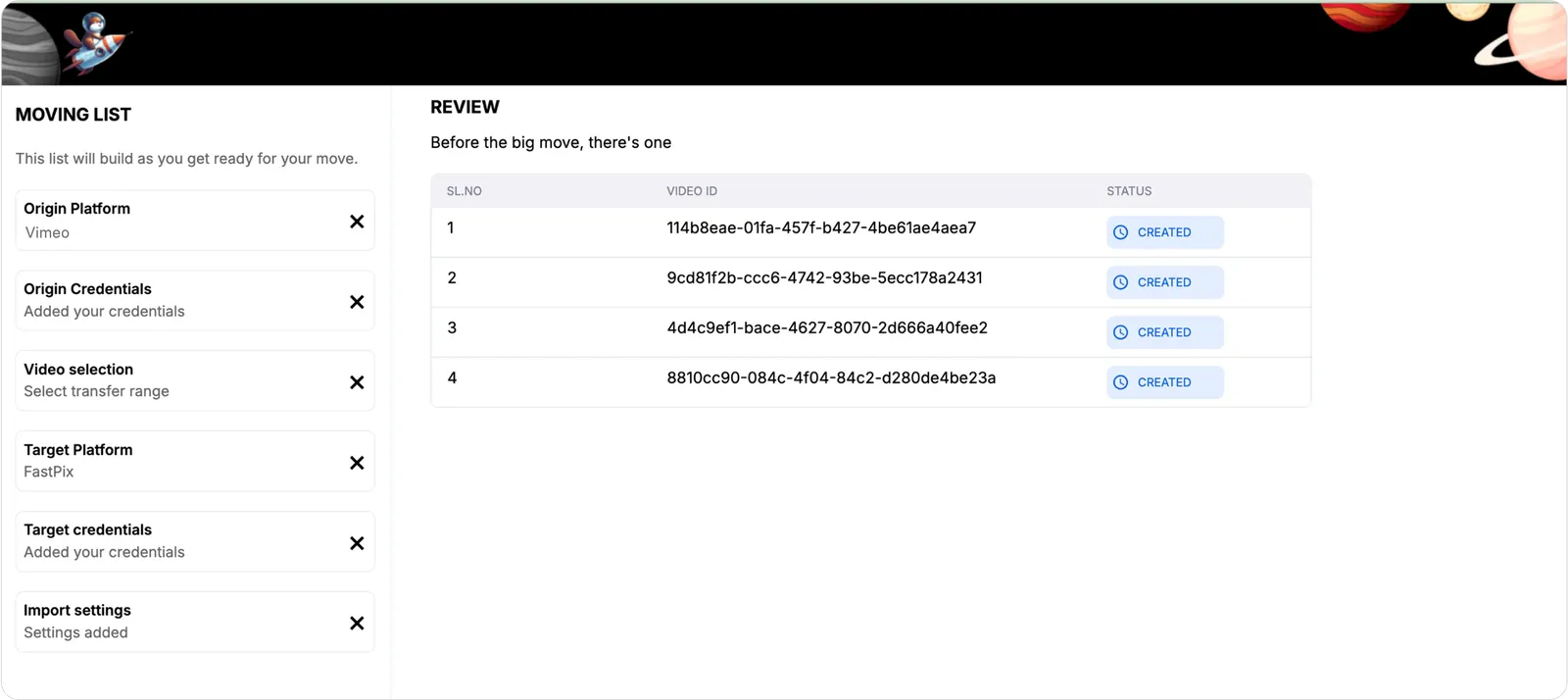
Migrate from Vimeo to FastPix
Migrate your Vimeo video library to FastPix using the FastPix Migration Tool. You generate a Vimeo access token, set up the tool locally, and run the migration.
Evaluating FastPix against Vimeo? See the FastPix vs Vimeo comparison for a side-by-side look at features and pricing.
Before you begin
Before migrating videos from Vimeo to FastPix, make sure you have:
- A Vimeo Standard, Advanced, or Enterprise plan. Access to video source files through the Vimeo API isn’t available on the Free or Starter plans.
- A FastPix account with an Access Token ID and Secret Key.
- Node.js 18 or later.
- npm or Yarn.
- Git installed on your machine.
Set up the Migration Tool
- Clone the Migration Tool repository to your local machine:
- Navigate to the project directory:
- Install dependencies:
Or:
- Start the application:
Or:
- Open the Migration Tool in your browser:
Obtain Vimeo credentials
To migrate videos from Vimeo, create a Vimeo access token that FastPix can use to access your videos and source files.
Creating a Vimeo access token requires two steps:
- Create a Vimeo application.
- Generate an access token for the application.
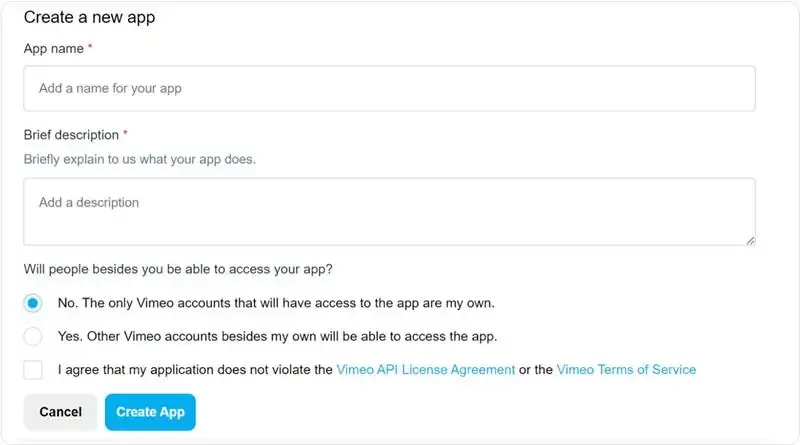
Create a Vimeo application
To create an application, go to your Vimeo applications, and click Create an app.
Create an access token
After your app is ready, Vimeo redirects you to the application settings page. You can generate access tokens on this page.
- In the Authentication section, select Authenticated (you).
- Enable Private and Video Files.
- Click Generate.
- Copy the generated access token.
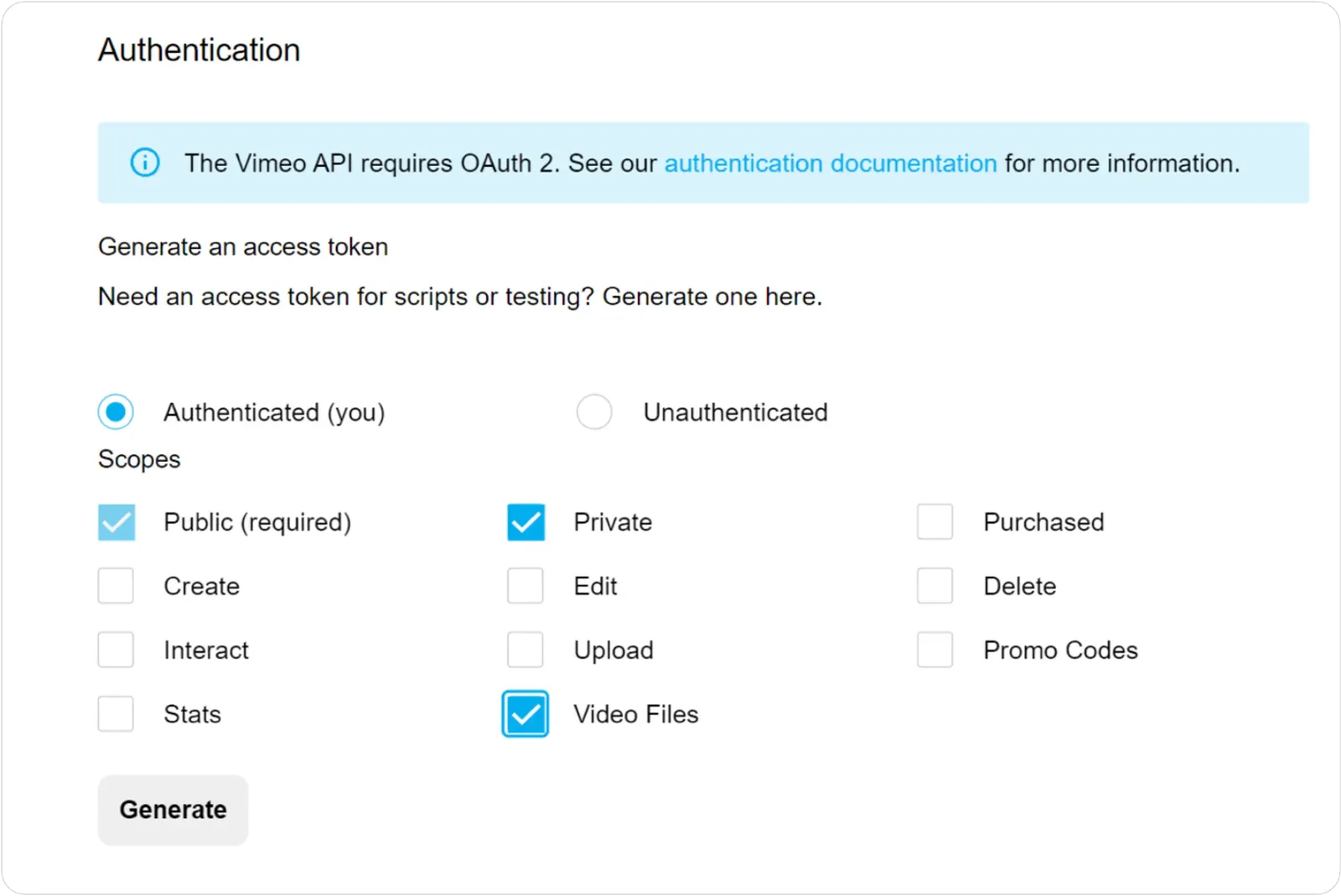
Use this token value in the FastPix Migration Tool to authenticate your Vimeo account for the migration.
Migrate videos from Vimeo to FastPix
With the Migration Tool running at http://localhost:3000, migrate your videos:
-
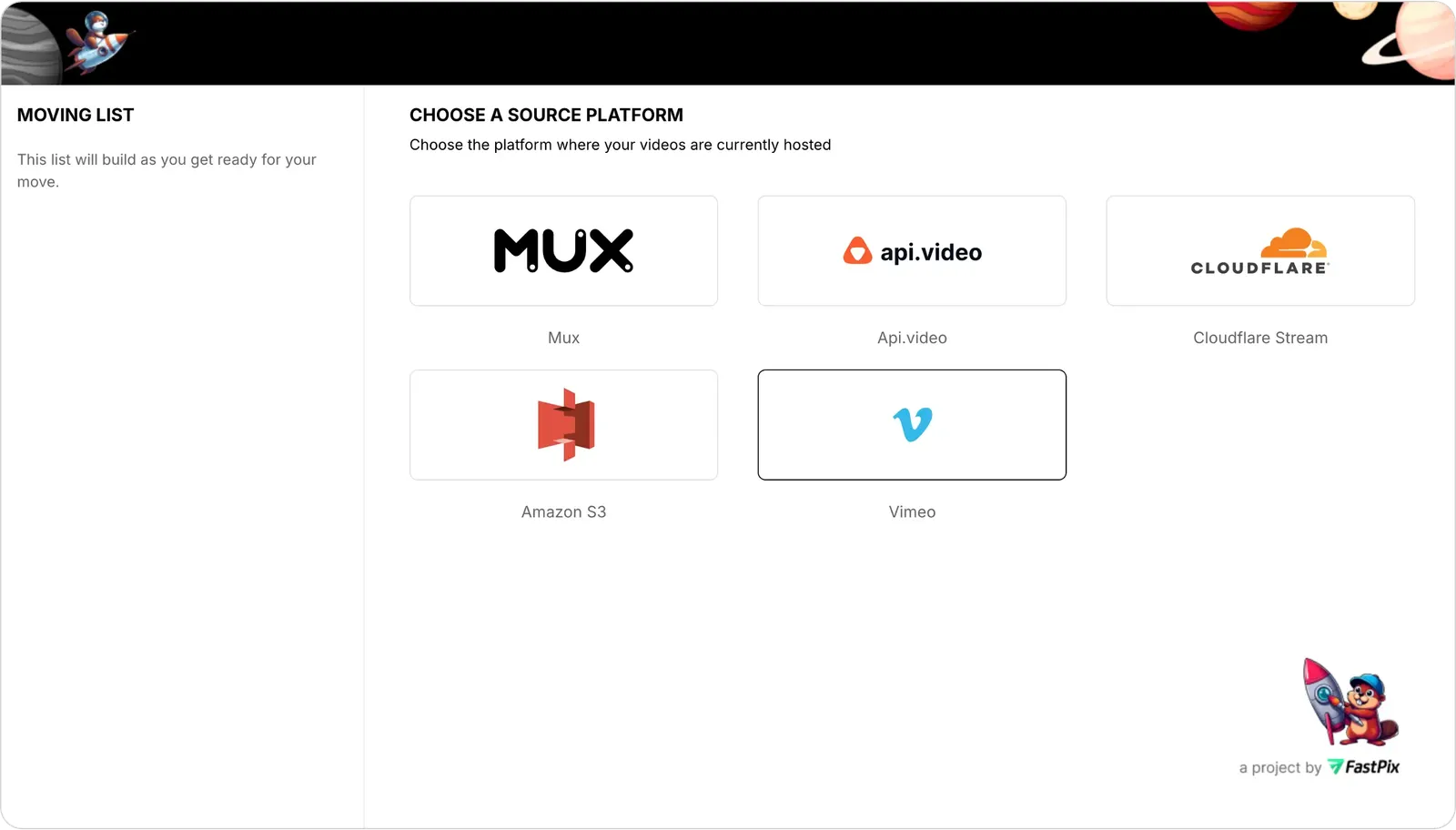
Select Vimeo as your source platform.
-
Verify your Vimeo credentials. Enter the access token from Create an access token, then click Verify Credentials and wait for confirmation.

-
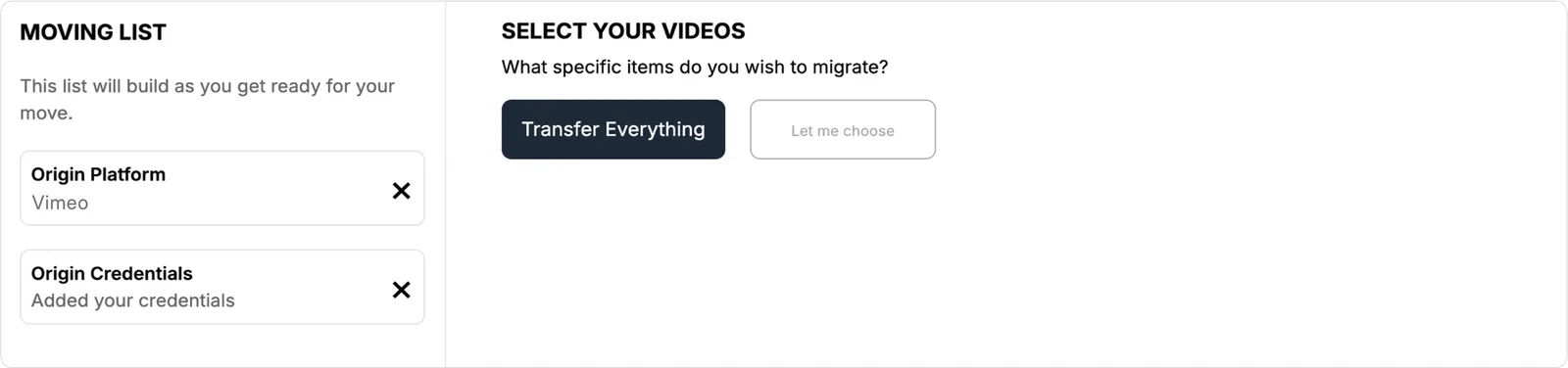
Select the videos to import. On the Select your videos page, choose Transfer Everything to migrate all your videos.
-
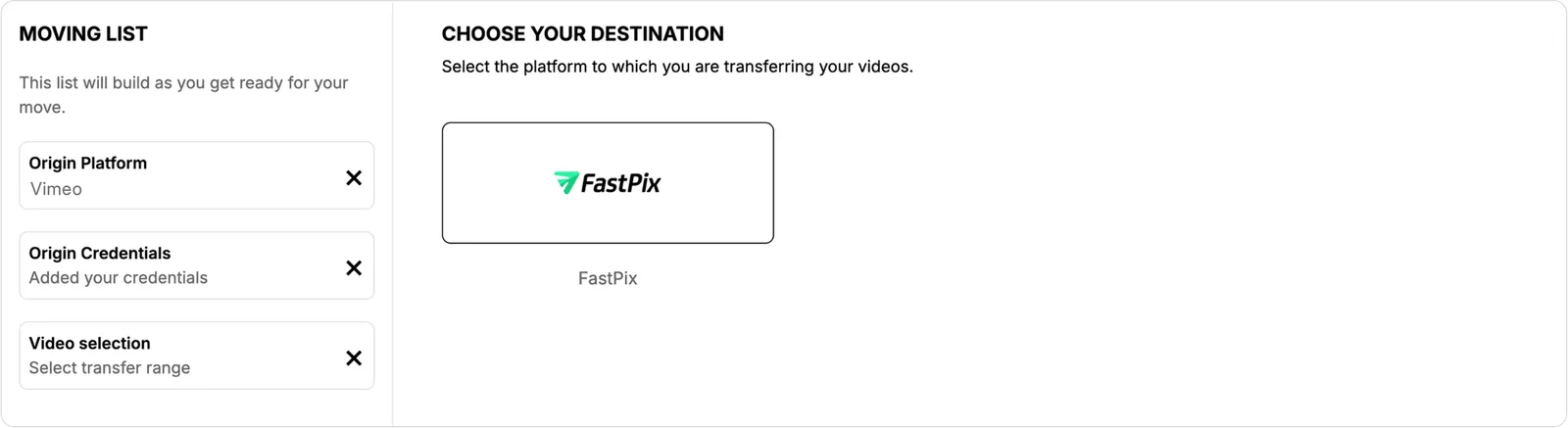
Select FastPix as your destination platform.
-
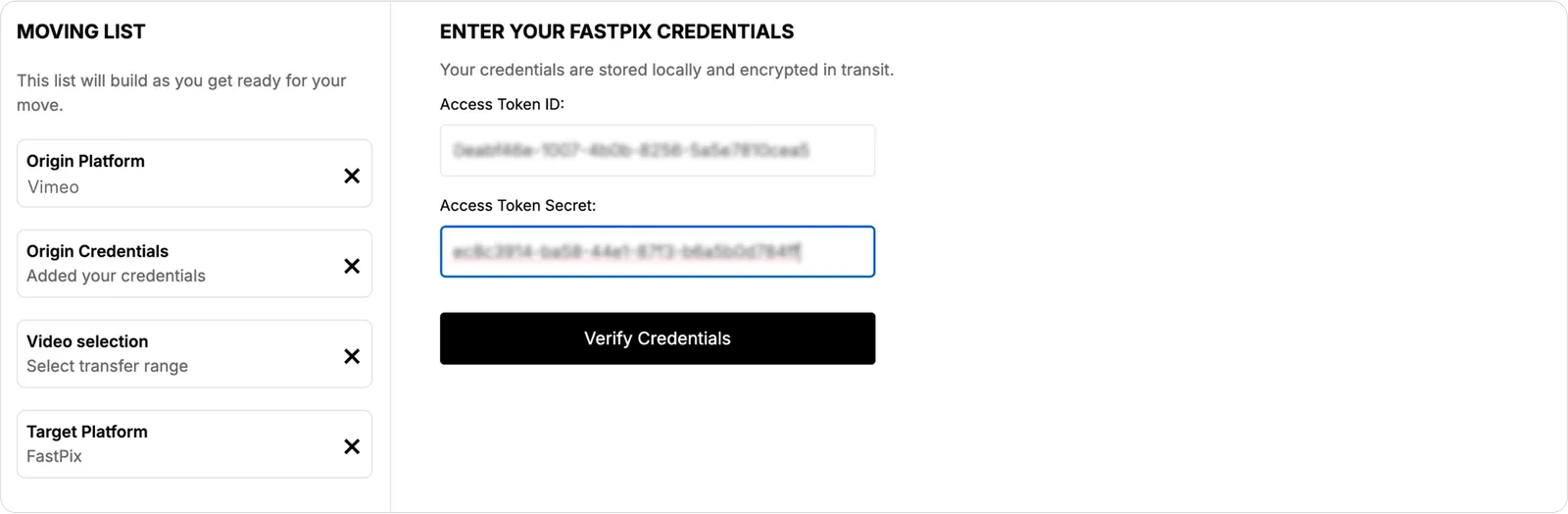
Verify your FastPix credentials. Enter your FastPix Access Token ID and Secret Key, then click Verify Credentials and wait for confirmation.
-
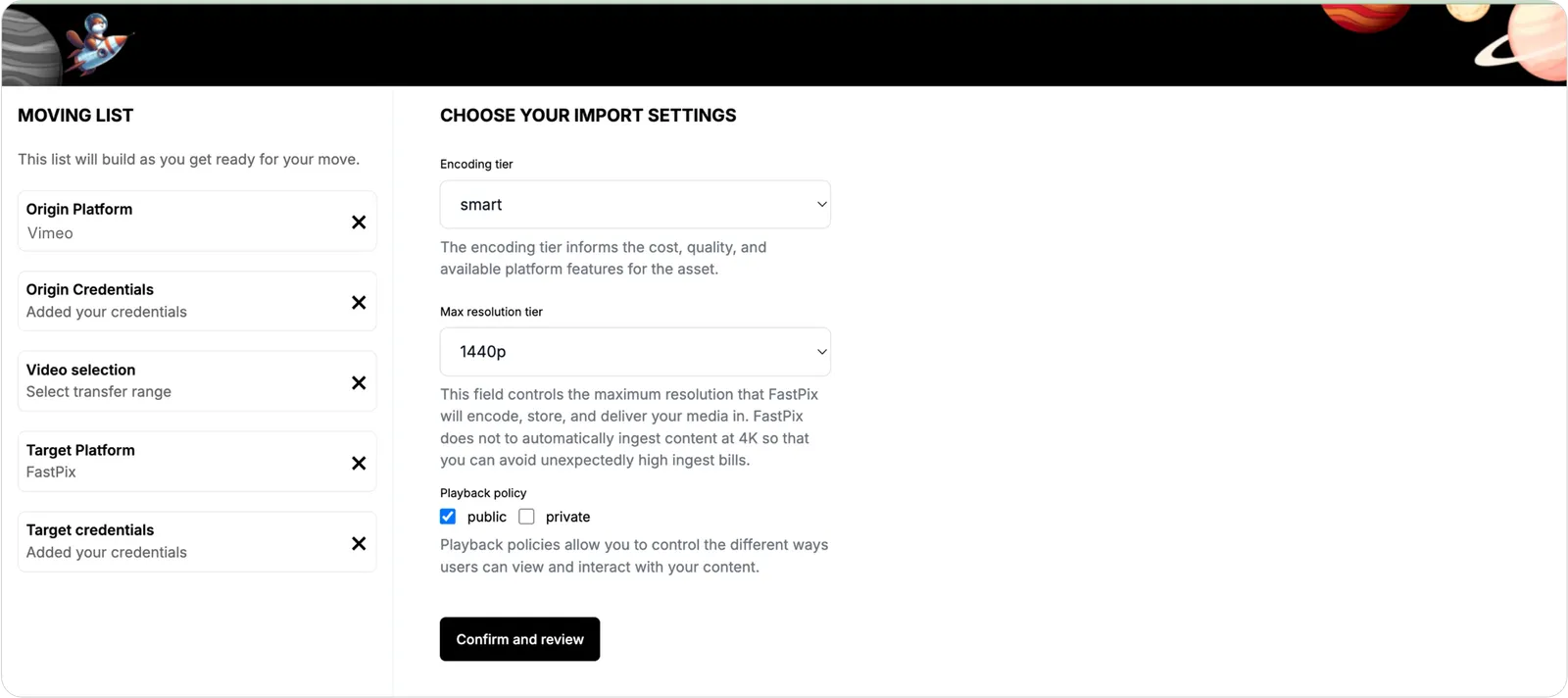
Configure the import settings. Set the encoding tier, maximum resolution tier, and playback policy, then click Confirm and Review.
-
Review and start the job. Review your selected settings, then click Start Job to begin the migration.
-
Track the migration. Monitor the progress on the video tracking page until the migrated videos appear.