

Audience metrics
Audience metrics provide essential data on how viewers interact with your content. They help you understand reach, engagement levels, and viewer behavior.
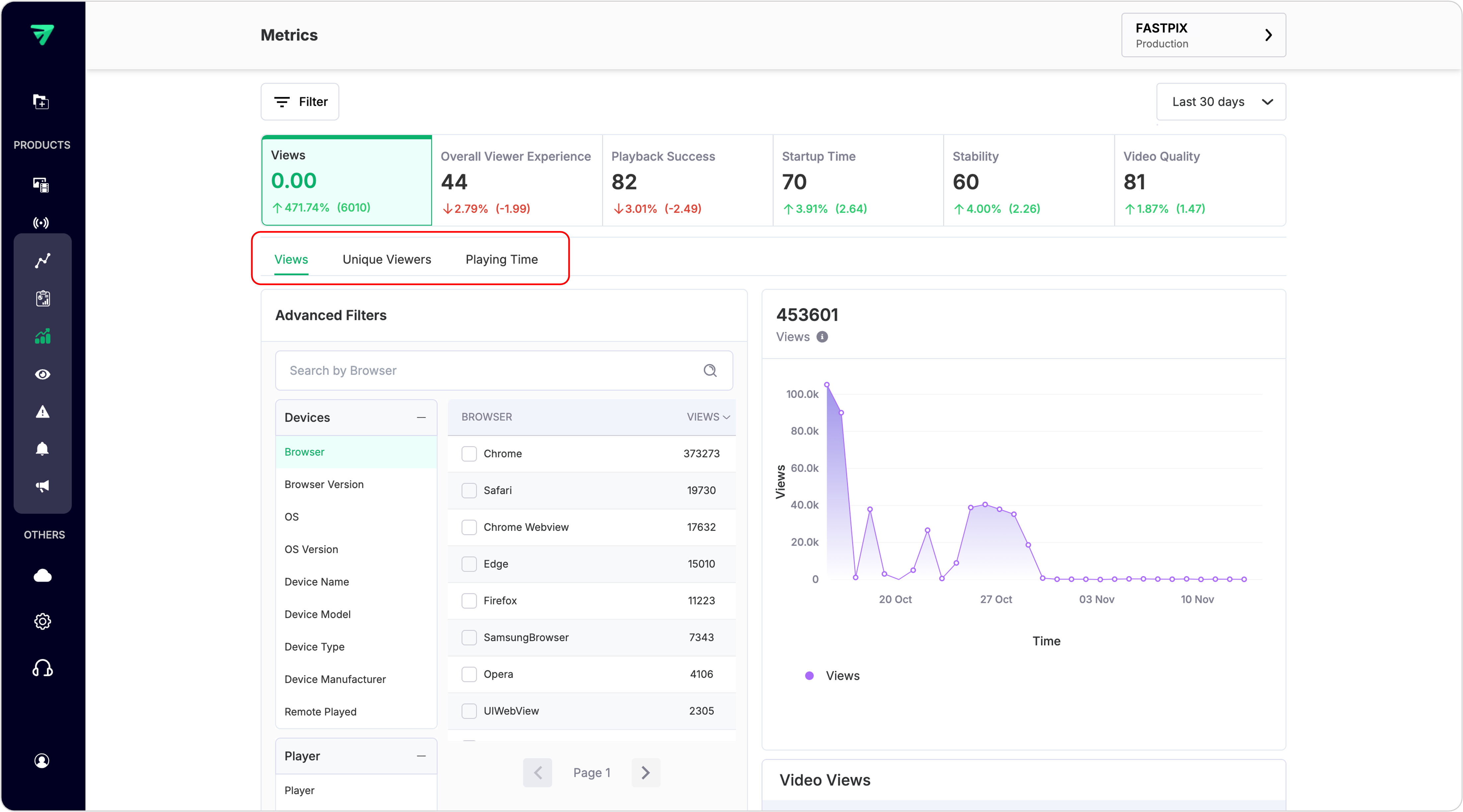
Key audience metrics you can track are listed below.
PLEASE NOTE
When using API to get the values for these metrics, use the list overall values endpoint by passing the related metric Id. We have only one specific API that retrieves values for all metrics.
1. Views
Views metric represents the cumulative count of all video view sessions initiated within a specified time frame. This is helpful for even real-time tracking to see total views including active view sessions.
In contrast, the Quality of Experience (QoE) metrics calculate total views that successfully concluded during the selected time interval. That means, unless any active view session is completed, it won’t be counted.
A high view count indicates that your videos are resonating with your audience and effectively attracting attention. This metric serves as a foundational indicator of brand visibility, helping you gauge the effectiveness of your strategies and content distribution efforts.
In the above request, you need to replace {Access Token ID} and {Secret Key} with your actual credentials – see how. Also, adjust the timespan parameter as needed (Example: 7:days, 90:days, etc.).
You can also see a list of all video views using the List video views endpoint and get detailed insights into a particular view session using the Get details of video view API endpoint.
2. Unique Viewers
The Unique Viewers metric identifies distinct viewers based on the initiation time of their video sessions, using a Viewer ID to determine uniqueness. If a Viewer ID is not provided, the FastPix SDK generates a default Viewer ID. For accurate counts, it is strongly recommended to assign a meaningful and anonymized Viewer ID that does not contain personally identifiable information (PII) such as email addresses or usernames.
Importance:
The Unique Viewers metric is essential for understanding the actual audience size engaging with your content over a specific time period. By tracking unique viewers, you get insights into how many distinct individuals are watching your videos, regardless of how many times they return to view the content.
How to use:
To leverage the this metric effectively, analyze the data over different time intervals and across different filters to identify patterns in audience behavior and content performance. You can compare unique viewer counts before and after specific campaigns or content releases to evaluate their impact. Additionally, use this metric alongside other engagement metrics, such as total views and watch time, to have a better understanding of your audience’s preferences and refine your content strategy accordingly.
3. Playing time
Playing Time represents the total duration (in hours) that viewers actively spent watching your video content. This metric excludes time spent on rebuffering, seeking, or pausing, providing a clear view of actual engagement with the video.
Importance:
Playing Time is a critical indicator of viewer engagement and content effectiveness. A higher Playing Time suggests that viewers are not only accessing your videos but are also finding them engaging enough to watch for extended periods. This metric helps you assess the overall performance of your video content.
How to use:
To effectively utilize the Playing Time metric, you can analyze it over different time intervals across different filters to identify trends in viewer engagement. Compare Playing Time across various videos to determine which types of content capture attention best.