

Pass custom metadata to metrics
Learn about FastPix custom metadata fields such as video_id, video_title, and custom_1–10 for in-depth analytics and playback tracking.
User Passable Dimensions (metadata) refers to the customizable data fields that users can provide during the initialization of a video playback session. This metadata enhances the tracking and analysis of viewer interactions by allowing the inclusion of specific identifiers and contextual information related to the video content, viewer, and playback environment.
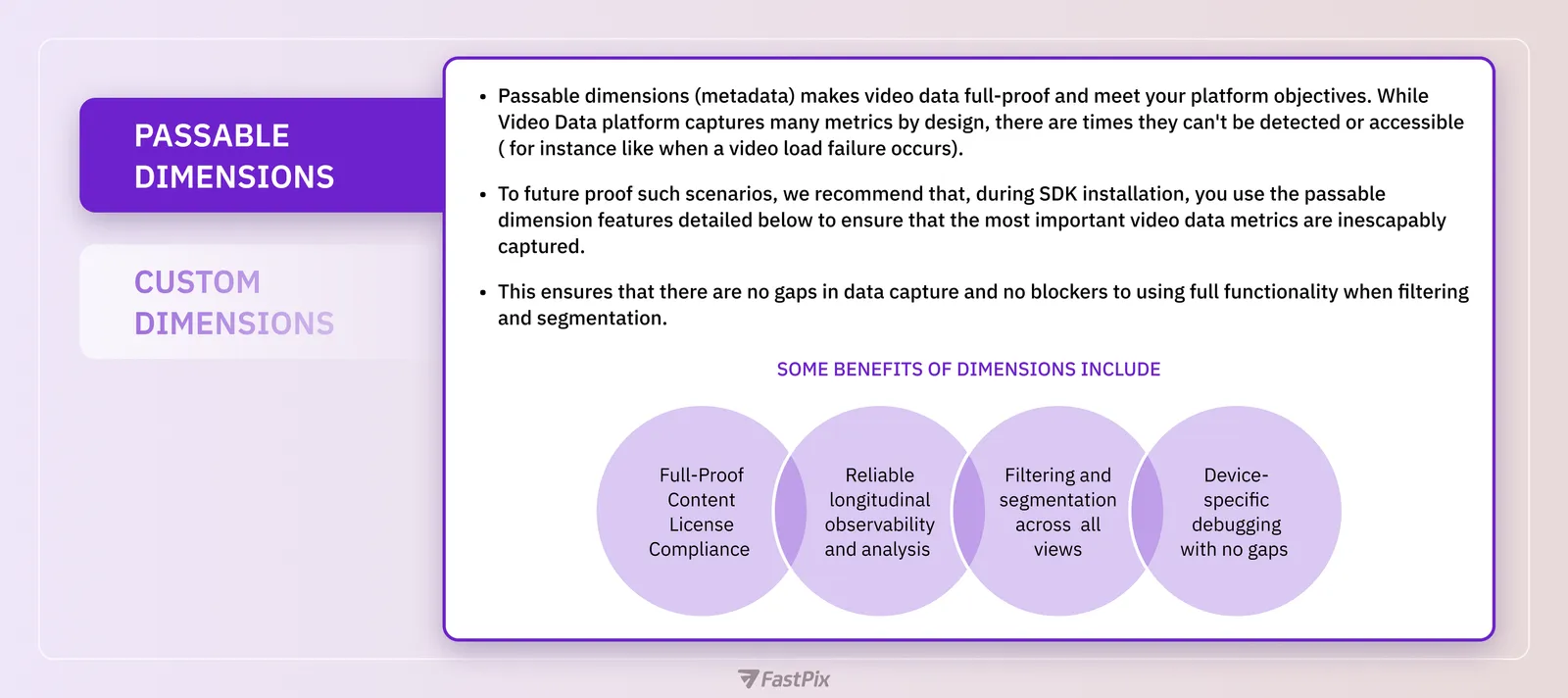
To ensure that users benefit from meaningful data during video playback sessions, it is essential for developers to pass relevant metadata values during SDK integration. Please follow the links to know how to integrate in web, android and iOS.
While our system automatically detects certain metadata in the background, there are situations where specific values may not be captured. In these cases, user input from the front end becomes crucial.
Types of dimensions
1. Required fields
workspace_id is a crucial metadata that ensures the data flows to the intended environment.
In order to get the workspace_key, click here.
PLEASE NOTE
Passing metadata such asvideo_id,video_title, andviewer_idalongsideworkspace_idis crucial for providing a comprehensive context to video views. This practice significantly enhances the ability to identify who is watching which content, thereby improving analytics and user engagement.
2. Overridable dimensions
This includes parameters like browser_name, browser_version, video_cdn, os_name, os_version, device_manufacturer, device_type, device_model, and device_name. Although these can be detected automatically, there are instances where detection may fail. When developers pass this information, it enhances segmentation and allows for more meaningful analysis.
3. Optional configurable dimensions
These fields can be included at the developer’s discretion and may encompass various attributes related to the playback environment.
4. Custom dimensions
This feature allows you to define your own dimensions for data segmentation and experimentation purposes. It is an enterprise-level feature that becomes visible only when enabled from the frontend dashboard.
Get more information on how to use Custom dimensions .
Example: Passing dimensions into Video Data SDK
Below example provides you the insight for configuring user-passable metadata into video data SDK for HLS.js (web). For configuring HLS.js into your application refer this guide.