

Stability metrics
Stability metrics assess the reliability of video playback by measuring interruptions during streaming. A higher Stability Score indicates fewer disruptions, leading to a smoother viewing experience, while a lower score reflects increased interruptions.
This metric is calculated using both the frequency and duration of buffering events, providing a nuanced evaluation of playback stability. Some of the key components are defined below.
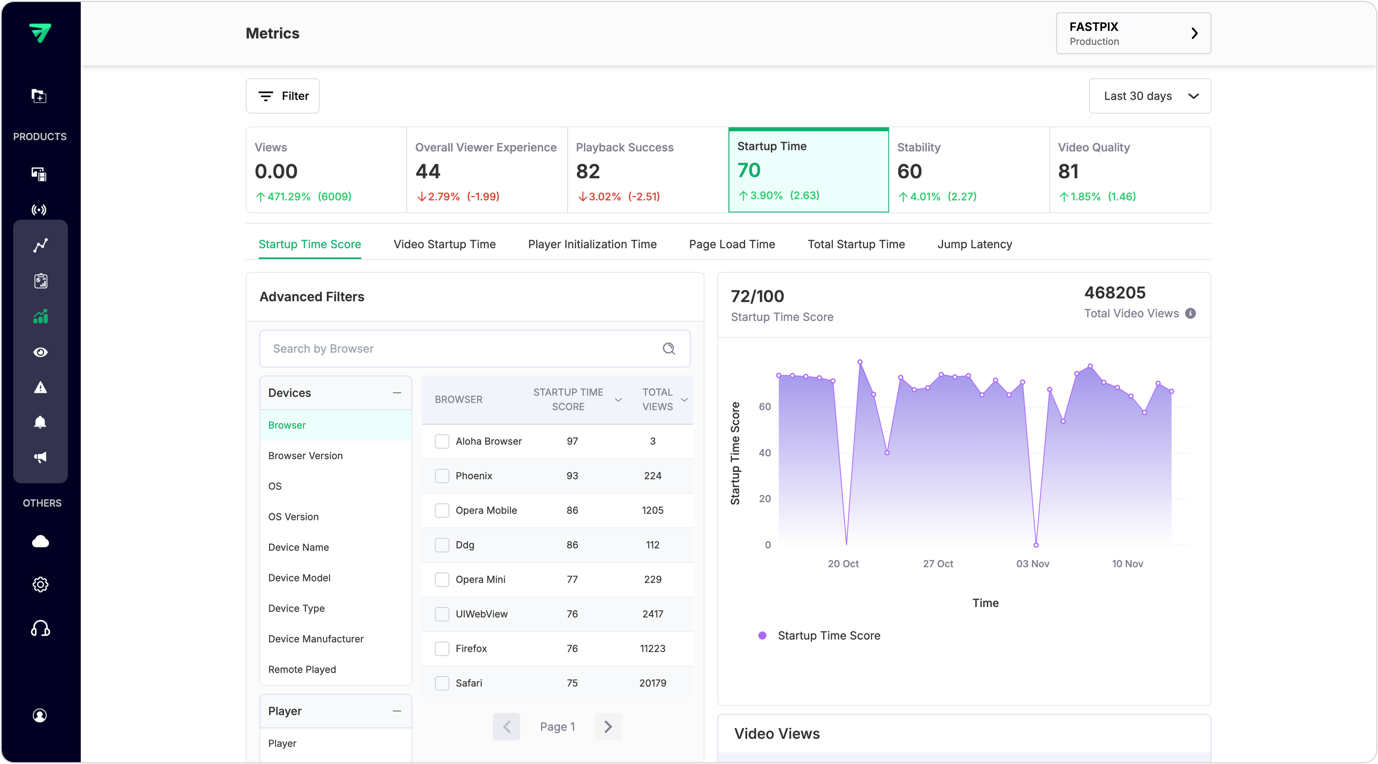
1. Stability Score
The Stability Score evaluates the level of interruptions experienced during video playback. A higher score indicates a more stable viewing experience, while a lower score signifies increased disruptions.
This calculation considers both the frequency (buffer count) and duration (buffer percentage) of interruptions, providing a nuanced evaluation. Early Exits Before Video Start (EBVS) views are excluded from scoring to ensure accuracy.
Importance
The Stability Score is crucial for understanding the reliability of video playback. A high score indicates fewer interruptions, leading to a better viewer experience. Monitoring this metric helps identify issues that may disrupt content delivery, allowing platforms to optimize performance and enhance viewer satisfaction.
How to use Stability Score
- Track changes over time to assess the impact of optimizations on playback stability.
- Analyze individual components (buffer count and buffer percentage) to identify specific areas needing improvement.
- Use this score in conjunction with viewer feedback to make informed decisions about technical enhancements.
API usage
Use the List overall values API to retrieve overall values for Stability Score. You need to pass stability_score as the metricId along with other query parameters to receive the response.
2. Buffer Ratio
The Buffer Ratio quantifies the extent of buffering experienced across the platform.
Buffering Duration represents the cumulative time viewers spend buffering, while Total Viewing Time encompasses all time spent engaged with video content.
Importance
Understanding the Buffer Ratio is vital for assessing how much of the viewing experience is affected by buffering. A high ratio indicates that a significant portion of viewing time is spent waiting for content to load, which can lead to viewer frustration.
How to use Buffer Ratio:
- Monitor this metric across different videos and platforms to identify trends in buffering behavior.
- Analyze the impact of network conditions or content delivery methods on buffering.
- Use findings to implement strategies aimed at reducing buffering time and improving overall viewer satisfaction.
API usage
Use the List overall values API to retrieve overall values for Buffer Ratio. You need to pass buffer_ratio as the metricId along with other query parameters to receive the response.
3. Buffer Frequency
Buffer Frequency measures how often rebuffering events occur during video playback. This metric provides insights into instances of video stuttering and can indicate potential issues with playback stability.
Importance
Monitoring Buffer Frequency is crucial because frequent interruptions, even if brief, can be as frustrating for viewers as longer buffering events. Understanding this metric helps identify patterns that may affect user experience.
How to use Buffer Frequency
- Track this metric alongside Buffer Duration to gain a comprehensive view of playback performance.
- Investigate spikes in frequency to determine underlying causes, such as network issues or player performance.
- Use insights to optimize streaming protocols and enhance overall playback reliability.
API usage
Use the List overall values API to retrieve overall values for Buffer Frequency. You need to pass buffer_frequency as the metricId along with other query parameters to receive the response.
4. Buffer Fill
Buffer Fill measures the duration, in seconds, that viewers experience rebuffering per video view. This metric provides a detailed perspective on how long viewers are waiting during rebuffering events.
Importance
While longer videos may have more opportunities for rebuffering events, Buffer Fill offers valuable insights into the viewer experience by quantifying delays in seconds rather than percentages. This nuanced perspective aids in understanding the impact of rebuffering on overall satisfaction.
How to use Buffer Fill metric
- Analyze this metric in conjunction with other buffering metrics for a holistic view of viewer experience.
- Compare Buffer Fill across different videos to identify which content types are more prone to rebuffering issues.
- Use findings to inform decisions about content delivery optimization and player configuration.
API usage
Use the List overall values API to retrieve overall values for Buffer Fill. You need to pass buffer_fill as the metricId along with other query parameters to receive the response.
5. Buffer Count
Buffer Count quantifies the number of rebuffering events that occur during video playback. This metric provides insights into how frequently rebuffering interrupts the viewing experience.
Importance
Understanding Buffer Count is essential because it highlights how often viewers encounter interruptions due to buffering. Frequent occurrences can lead to viewer frustration and abandonment of content.
How to use Buffer Count
- Monitor this metric alongside other stability metrics to assess overall playback performance.
- Investigate high counts in specific videos or sessions to identify potential issues with content delivery or network performance.
- Utilize insights from Buffer Count analysis to implement improvements that enhance streaming reliability and user satisfaction.
API usage
Use the List overall values API to retrieve overall values for Buffer Count. You need to pass buffer_count as the metricId along with other query parameters to receive the response.